This Nelko thermal shipping label printer review looks at the PL70E for small businesses and home sellers who need shipping labels without ink or toner.
Its wireless and USB options suit varied setups, while its supported label widths make it useful beyond shipping alone.
Nelko PL70E Printer Review Summary
The quick verdict
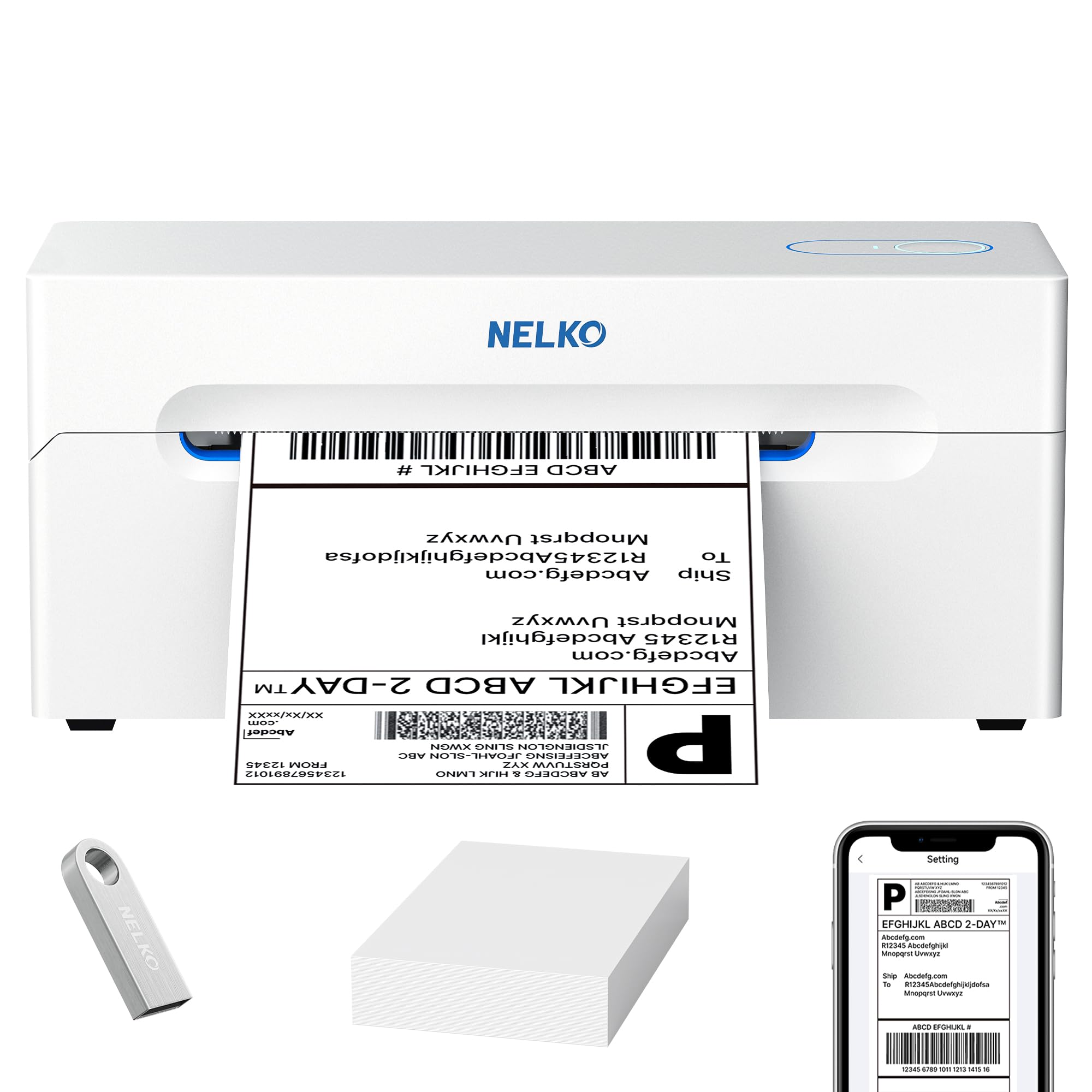
5,000+ ratings
Read Amazon ReviewsNelko PL70E Thermal Shipping Label Printer
A wireless and USB thermal printer for small sellers who need flexible label sizes, app-based setup, and support across common devices.
- Bluetooth printing through the NELKO app, with support for iOS, Android, Windows, and Mac devices with M1/M2 chips.
- USB printing supports Windows, Mac OS, Chrome OS, and Linux.
- Handles fanfold and roll labels from 1.57 to 4.1 inches wide.
- Creates text, barcode, and QR-code labels.

Pros
- Wireless app printing and USB connectivity support different device preferences.
- Its label-width range accommodates both common shipping labels and smaller labeling tasks.
Consider before buying
- Wireless setup depends on the NELKO app, so buyers who prefer direct Bluetooth pairing without an app should check the workflow first.
- Mac wireless compatibility is limited to devices with M1 or M2 chips, which may narrow fit for some Mac owners.
Read the full review summary
The PL70E is a practical fit for online sellers who want thermal printing through either Bluetooth or USB.
It works with Android and iPhone through the NELKO app, and its USB connection supports several computer systems, giving buyers flexibility when choosing a device and workflow.
Its 1.57-to-4.1-inch label range covers common shipping formats as well as tags, price stickers, and classroom labels.
Thermal printing also avoids ink and toner, which may simplify routine label supply needs; buyers should still confirm their preferred label stock and app workflow before committing to regular batch use.
The buying factors
Nelko PL70E Printer Scorecard
Editorial scores reflect listed features and buyer fit; they are not laboratory measurements or customer ratings.
Connection flexibility
Wireless printing through the NELKO app and USB printing give buyers two ways to connect, with broad support for mobile and computer systems.
Label size range
Support for 1.57-to-4.1-inch-wide roll or fanfold labels leaves room for different routine labeling tasks.
Label design options
Text, barcodes, and QR codes cover common shipping and organization needs, with additional uses including tags and price stickers.
Thermal workflow
Direct thermal printing avoids ink and toner, which can reduce the supplies needed for a label-only workflow.
Setup and support
The included U-Disk provides drivers and tutorials, and a two-year warranty adds a defined support period.
Shipping platform fit
It supports a broad group of marketplaces and shipping services, including Amazon, eBay, Shopify, USPS, UPS, and ShipStation.
Key Features and Specifications of Nelko PL70E Printer
- Bluetooth printing through the NELKO app, with support for iOS, Android, Windows, and Mac devices with M1/M2 chips.
- USB printing supports Windows, Mac OS, Chrome OS, and Linux.
- Handles fanfold and roll labels from 1.57 to 4.1 inches wide.
- Creates text, barcode, and QR-code labels.
- Supports shipping labels, warehouse tags, price stickers, and classroom labels.
- The included U-Disk provides drivers, tutorials, and troubleshooting guidance; the printer has a two-year warranty.
Pros and Cons of Nelko PL70E Printer
Pros
- Wireless app printing and USB connectivity support different device preferences.
- Its label-width range accommodates both common shipping labels and smaller labeling tasks.
- Thermal printing removes ink and toner from the regular supply list.
- Compatibility with multiple marketplaces and shipping services may fit an established online-store workflow.
- A two-year warranty and included setup materials provide a clearer starting point for support.
Consider before buying
- Wireless setup depends on the NELKO app, so buyers who prefer direct Bluetooth pairing without an app should check the workflow first.
- Mac wireless compatibility is limited to devices with M1 or M2 chips, which may narrow fit for some Mac owners.
- The stated speed and resolution may appeal for volume work, but buyers with high-throughput needs should verify that the printer suits their actual batch size and process.
Who Should Buy Nelko PL70E Printer?
Good fit
Choose the PL70E if you run an online shop and want shipping labels from a phone or computer, with both wireless app printing and a USB route available.
Its platform compatibility includes major marketplaces and shipping services such as Amazon, Shopify, USPS, and UPS.
It also suits home organizers, classrooms, or small work areas that can make use of one printer for shipping labels, tags, price stickers, and QR-coded labels.
The broad label-width range is useful when the job changes from parcel dispatch to smaller identification tasks.
Who should skip it
Skip it if you need color printing; this is a thermal shipping label printer, and the product information do not establish color output.
Look elsewhere if your Mac workflow depends on wireless use with a model outside the stated M1/M2 compatibility, or if you want Bluetooth connection without the NELKO app.
Nelko PL70E Printer Review: Setup, Labels, and Workflow
Wireless or USB setup
The PL70E gives mobile users an app-based Bluetooth path and computer users a USB connection.
That split is helpful if a shop handles label creation across phones and desktop systems, though the wireless route requires the NELKO app rather than a direct pairing flow.
Choosing label stock
The 1.57-to-4.1-inch width range accepts both fanfold and roll labels, giving buyers room to choose stock for parcel labels or smaller tags.
Before ordering supplies, match the label width and feed format to the printer’s intended placement and your regular jobs.
Beyond parcel shipping
Text, barcodes, and QR codes extend its potential to price stickers, warehouse tags, and classroom labels.
That versatility makes the PL70E more compelling when several labeling jobs share a printer, while a shipping-only buyer may place more weight on compatibility with the store and carrier workflow.
Throughput and upkeep
The printer uses thermal printing, avoiding ink and toner, and its stated throughput is 72 sheets per minute.
Treat that rate as a listing figure rather than a guarantee of real-world output; confirm the driver, label stock, and batch process meet your volume needs before relying on it for peak dispatch periods.
Alternatives to Nelko PL70E Printer
Only one distinct competing model in the supplied records matches the main product’s wireless 4x6 shipping-label use; the other candidates are small handheld label makers.
Desktop Label Printers alternative
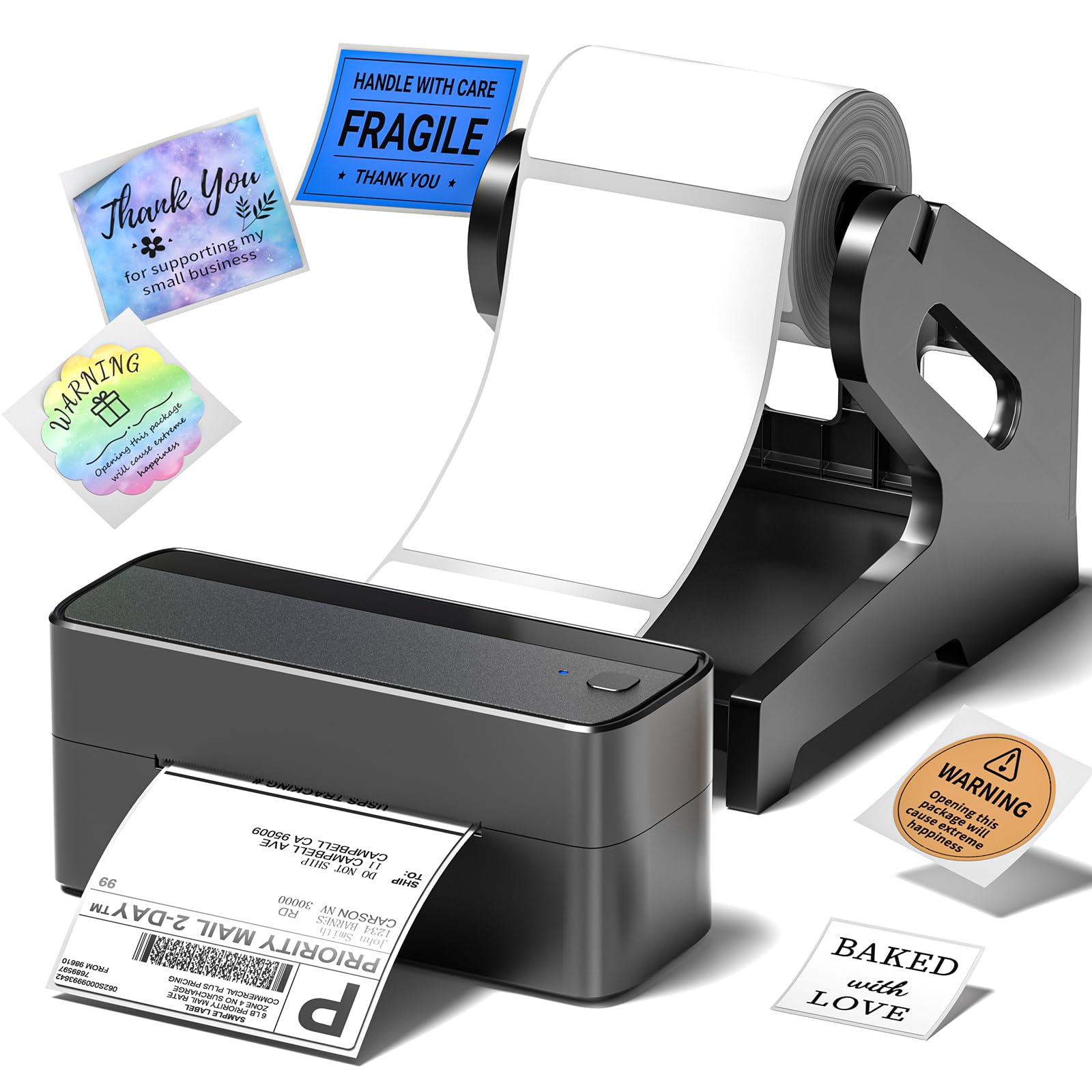
4,000+ ratings
Read Amazon ReviewsPhomemo 241BT 4X6 Wireless Shipping Label Printer
Choose the Phomemo if access to its wider stated label range or its listed FedEx compatibility better matches your workflow.
Choose the Nelko if its app and USB setup, label range, and support for the services you use are a closer fit.
- The Phomemo supports labels from 1 to 4.6 inches wide and works with eBay, Shopify, Amazon, Etsy, UPS, USPS, and FedEx.
- It also provides wireless printing through its app and USB printing for computers.
- The Nelko offers app-based wireless printing and a USB route, and supports 1.57-to-4.1-inch labels for multiple shipping and organization uses.
Is Nelko PL70E Printer Worth It?
The Nelko PL70E is worth considering for small sellers who want a thermal printer that can connect wirelessly through an app or over USB, cover shipping and general label tasks, and work with common marketplace and carrier services.
Its ink-free workflow and broad system support are useful practical advantages.
Buy it if the NELKO app workflow and its 1.57-to-4.1-inch label range fit your equipment and supplies.
For high-volume dispatch or a specialized setup, confirm the supported connection and label stock before making it part of a time-sensitive routine.
Your review at a glance
5,000+ ratings
Read Amazon ReviewsNelko PL70E Thermal Shipping Label Printer
A wireless and USB thermal printer for small sellers who need flexible label sizes, app-based setup, and support across common devices.
- Bluetooth printing through the NELKO app, with support for iOS, Android, Windows, and Mac devices with M1/M2 chips.
- USB printing supports Windows, Mac OS, Chrome OS, and Linux.
- Handles fanfold and roll labels from 1.57 to 4.1 inches wide.
- Creates text, barcode, and QR-code labels.